Registration Complete
We are creating your property profile and preparing your access details.
Next Steps
You must follow these steps to enable our system protection
1
1. Email
- Check your email for login credentials and your welcome message.
- Add DomiDocs®/HomeLock™ to your safe sender list.
- If you do not see an email from DomiDocs®/HomeLock™, please ensure to check your Spam/Junk folder.
2
2. Password & System Access
- Set your new password using the link found in your HomeLock™ Welcome Email.
- Alert activities will be sent to your email on file.
3
3. Settings & Access
- Bookmark the login page at platform.domidocs.com/login.
- Save your user ID and password in your browser or password manager for faster access.
4. Mobile Device
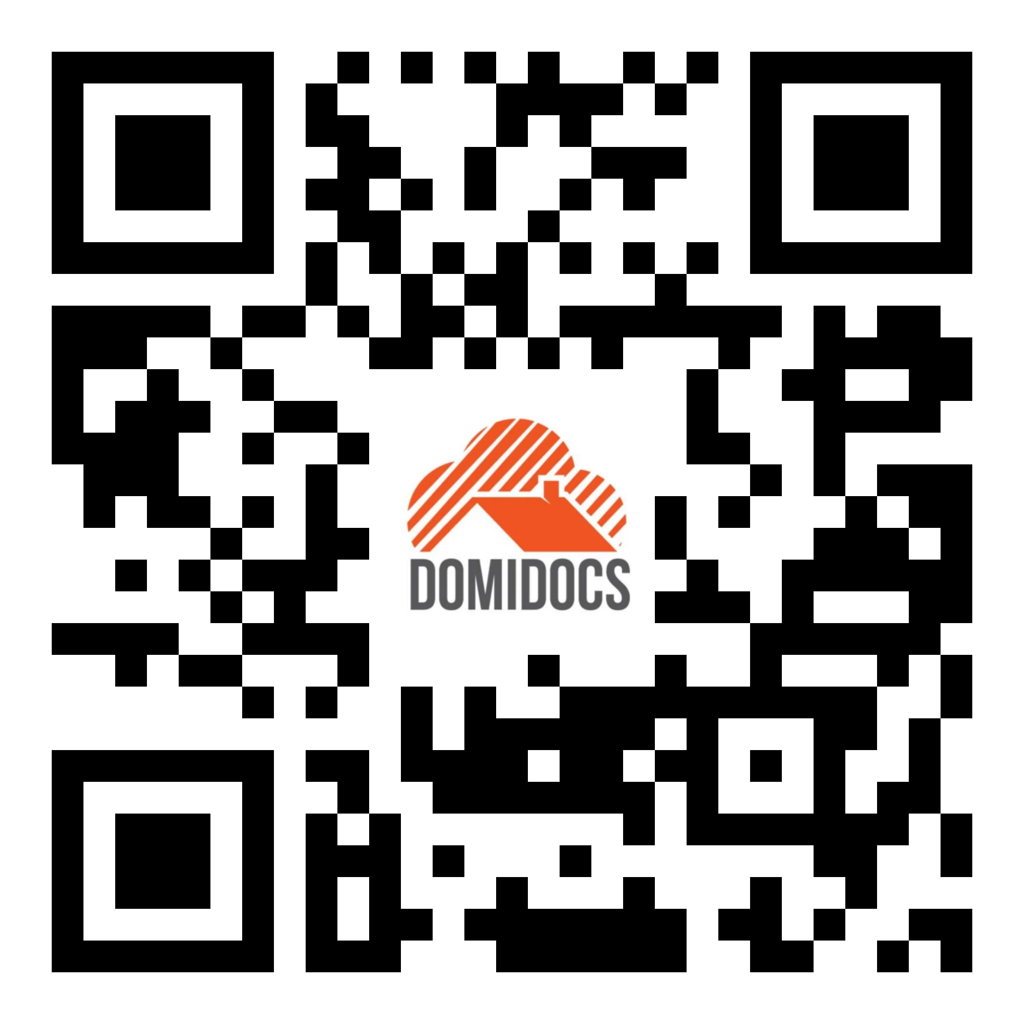
Scan the QR Code below using your mobile phone's camera and save our Contact Card to your phone to receive immediate notifications.
Questions or need help?
Our support team can help if you do not receive your email or need assistance claiming access to your property.